
A real result
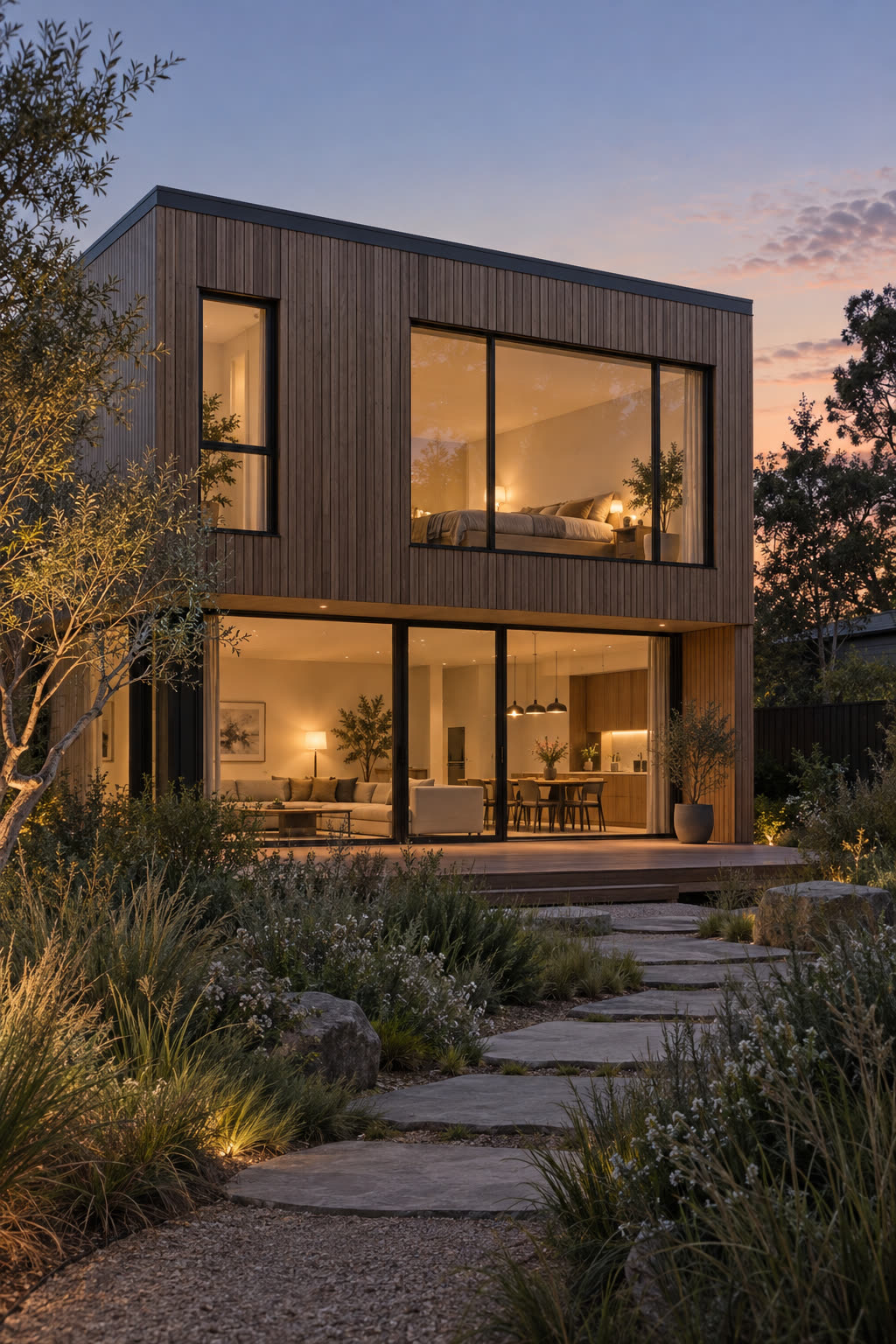
Input: a portrait exterior render of a house at dusk. Prompt: crane up slowly from the entrance to reveal the roofline, evening light, no people. Vertical output as delivered by the pipeline, unedited.
Generated with Seedance 2.0 at 720p, 5 s, 180 credits at list price, 92 s wall clock, on September 26, 2026.
Specs and cost
- Aspect ratios
- 9:16
- Clip length
- 4–15 s
- Resolutions
- 480p · 720p · 1080p
- Cost per second of output
- 480p: 16 credits (€0.16) · 720p: 36 credits (€0.36) · 1080p: 90 credits (€0.90)
- A typical clip
- 5 s @ 720p = 180 credits (€1.80)
- Time to result
- 92 sMeasured on the demo above, not an estimate.
Seedance 2.0 · 1 credit = €0.01
What it can't do
A landscape render does not become a good vertical clip
The model frames the requested aspect ratio from the image you give it; a wide render turned vertical is a crop, and a house may lose both ends. Compose the render for portrait first.
No captions, music or transitions
This produces one silent moving shot. Text overlays, a soundtrack and cuts between shots are editing, which the Reels Maker or your phone’s editor does.
One shot per clip
A reel that moves through several views is several generated clips joined together. There is no multi-shot generation from a set of renders in one go.
Vertical exposes tall geometry
A crane along a tall facade asks the model to invent floors as they enter the frame, and window grids can ripple. Keep vertical moves short and slow.
How it works
- 1
Start from a portrait render
Render or crop the view in portrait before uploading. A landscape render cut to portrait loses the sides of the building; composing for the tall frame keeps the subject in it.
- 2
Choose one move that reads on a phone
Crane up along a facade, push in on an entrance, or drift past a corner. Pick the vertical aspect ratio, the length and the resolution.
- 3
Post or assemble
Download the MP4 and post it directly, or combine several clips and stills with captions and music in the Reels Maker.
Questions
- How do I make a reel from an architectural render?
- Generate a vertical image-to-video clip from the render with one camera move, then post it or edit it with captions and music. The generation is the moving shot; everything else is normal reel editing.
- What format do Instagram Reels, TikTok and YouTube Shorts need?
- Portrait video, and the vertical aspect ratio listed in the specs above is the one all three accept. Length limits differ by platform, but the clip lengths available here fit every one of them.
- Can I make one clip from several renders?
- Not in one generation. Each clip comes from one render; a multi-view reel is several clips cut together, which the Reels Maker does with transitions and music.
- Is there a watermark?
- Not on paid clips. Each clip is charged in credits from a prepaid balance at the cost shown above; there is no subscription.