
Turn Your Moodboard into a Finished Render
Collect the references that define your concept — materials, furniture, lighting, color palettes — add a prompt, and let AI render a cohesive interior in their style. Choose GPT Image 2.5 or Nano Banana Pro for the look you want.
From 20 credits (€0.20) per render · 1 credit = €0.01
In short
Moodboard to Render turns 1–5 reference images into a finished interior visualization. Add materials, furniture, lighting, or palette references, write a short prompt, and the AI renders a cohesive interior in their style. Choose GPT Image 2.5 or Nano Banana Pro for the look you want. Pricing is pay-as-you-go from 20 credits (€0.20) per render, with no subscription.
Designed Around Your References
Give the AI a moodboard, not just a sentence — and get renders that match your direction
Reference-Guided Rendering
Add up to five reference images and the AI treats them as your visual brief — pulling materials, palette, mood, and detail straight from your moodboard instead of guessing from text alone.
Two Best-in-Class Models
Render with GPT Image 2.5 or Nano Banana Pro — the two models with the strongest reference understanding. Switch between them to compare interpretations of the same moodboard.
Blend up to 5 Images
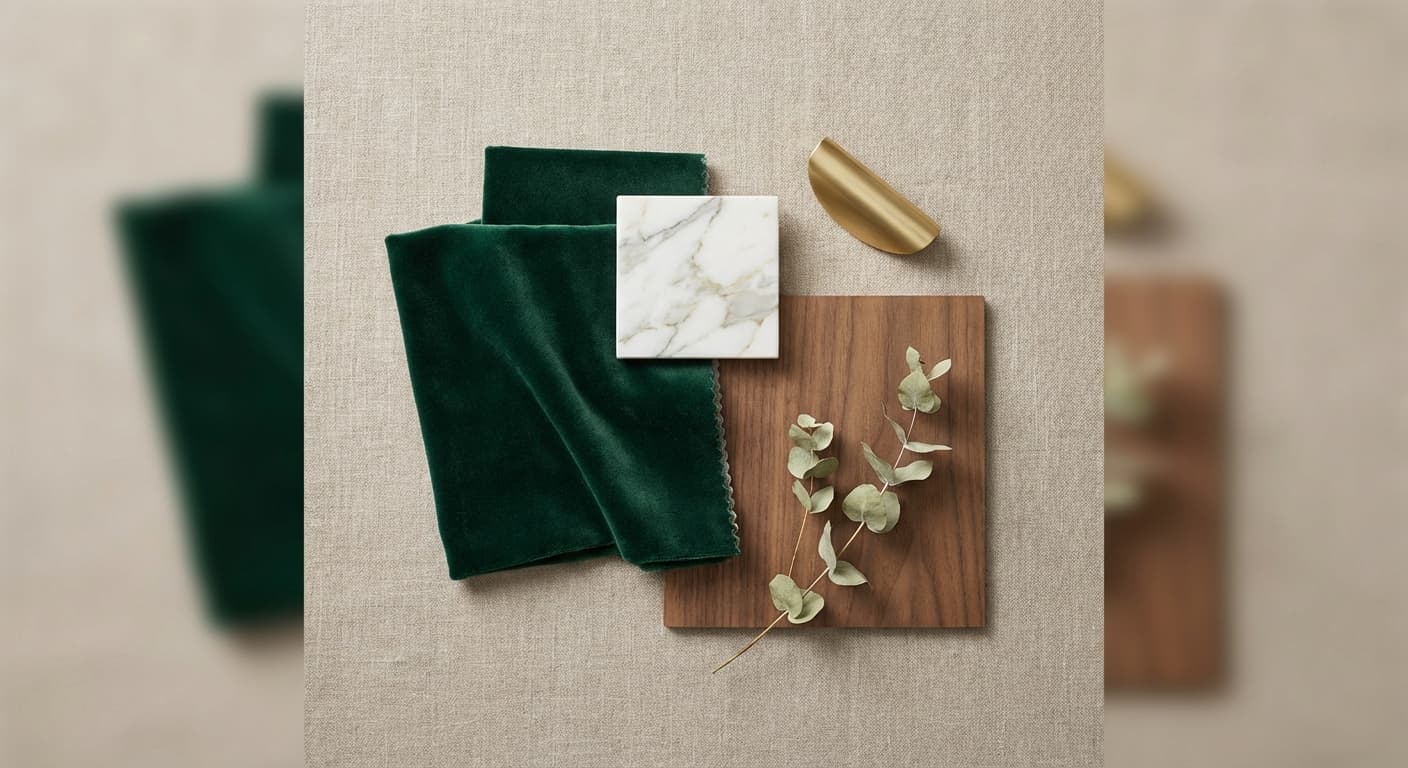
Combine a flooring sample, a furniture shot, a lighting reference, and a palette into a single coherent scene. The AI weighs every reference together rather than copying any one.
Ready for Any Format
Render square, landscape, or portrait to suit mood boards, presentation slides, or social posts — choose the aspect ratio before you generate.
From Moodboard to Render
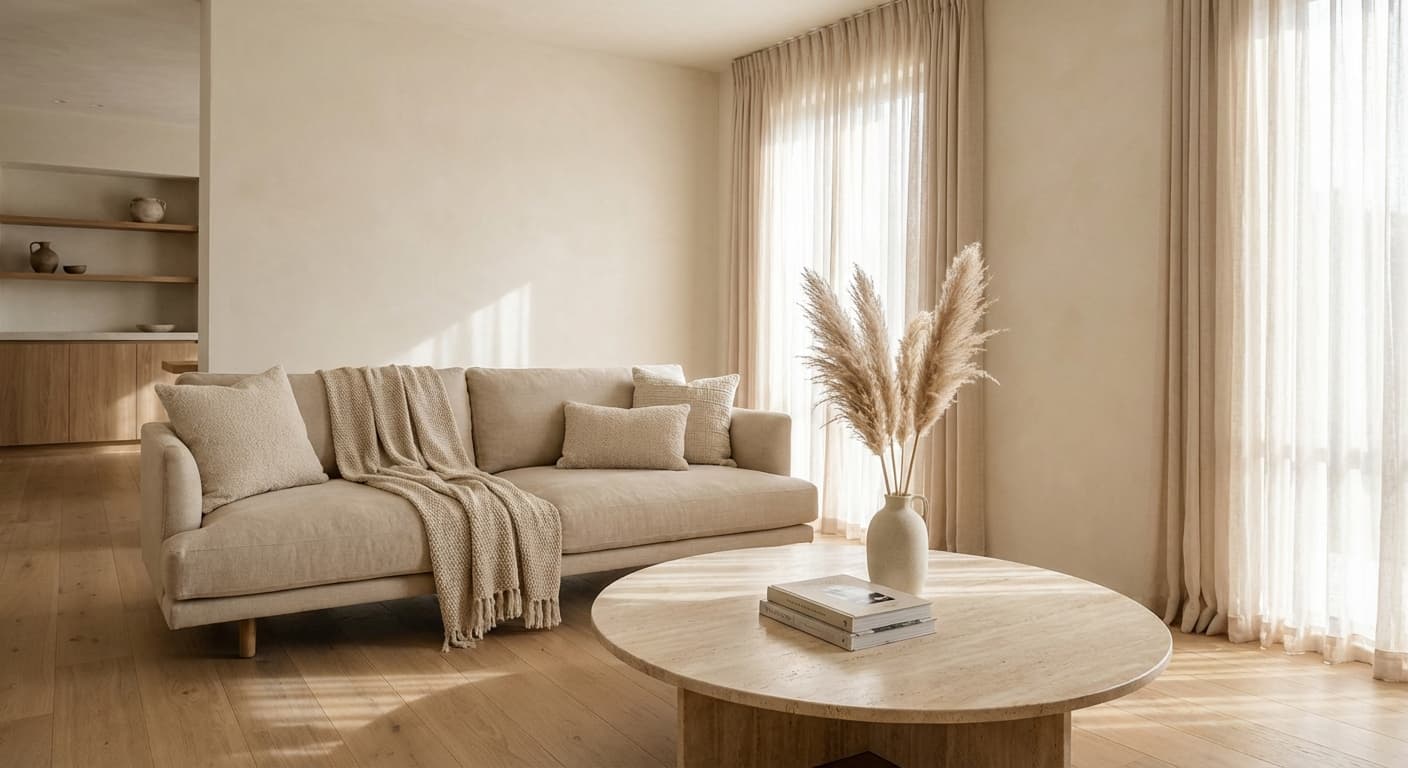
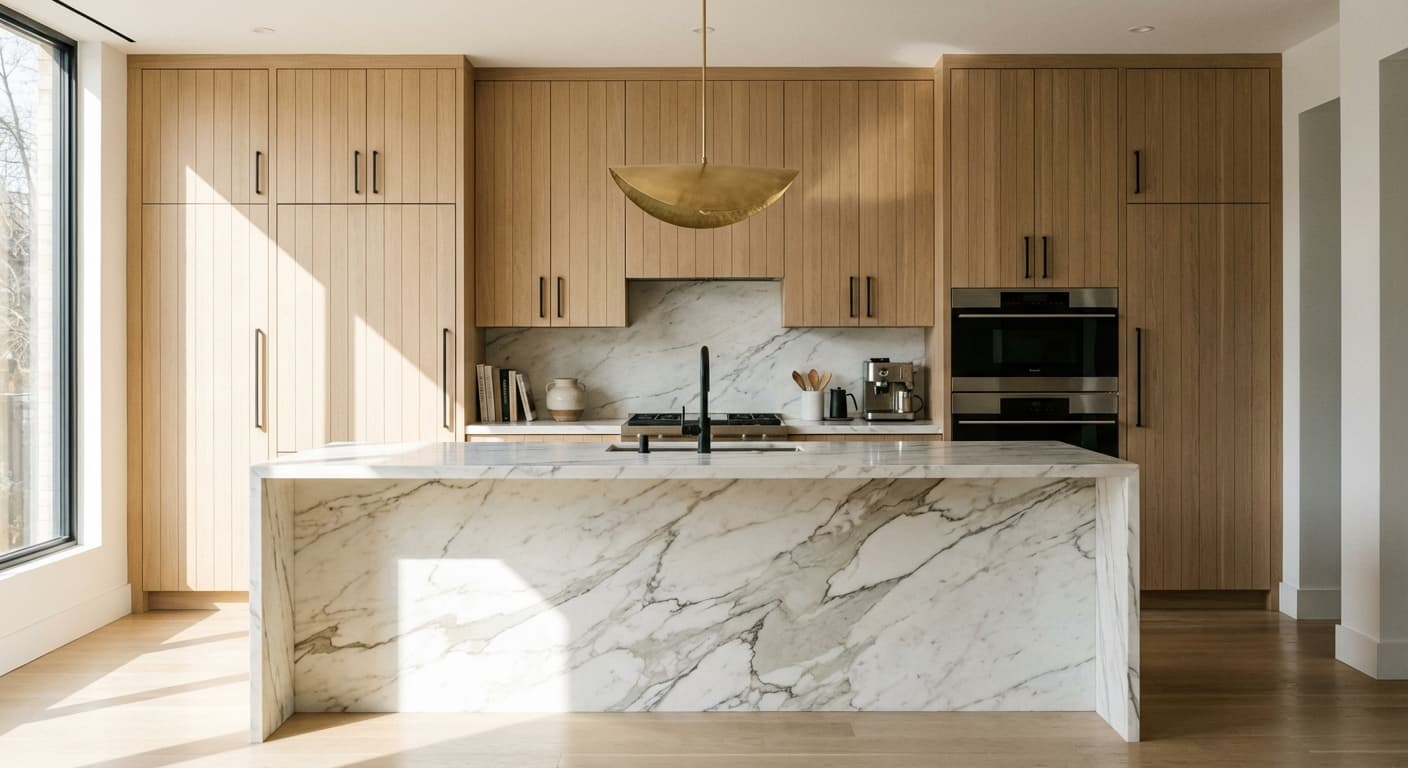
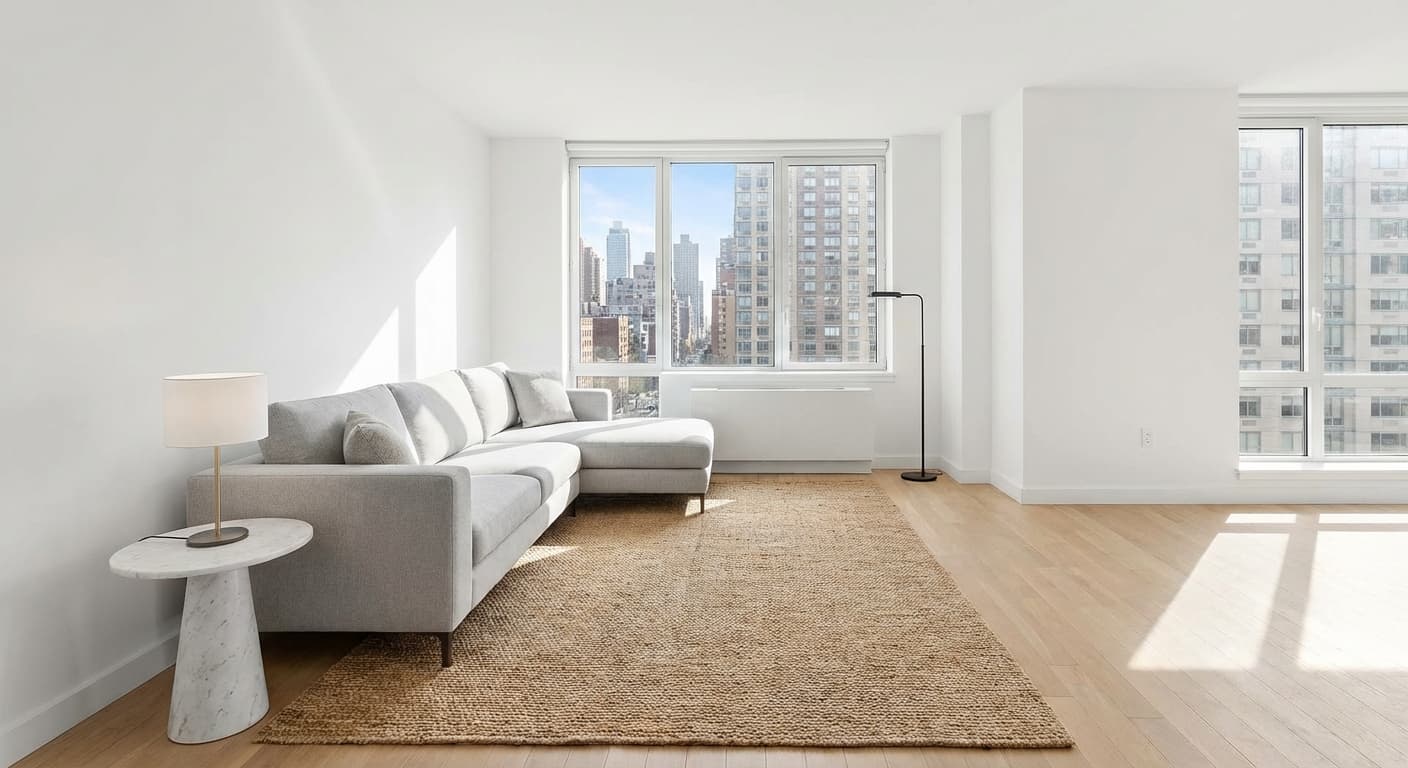
Real interiors rendered from a handful of reference images and a short prompt
How It Works
Assemble your moodboard and render — 4 steps
Add Your References
Pick 1–5 images from your library or upload new ones — materials, furniture, lighting, or palette references that define the look.
Choose a Model
Select GPT Image 2.5 or Nano Banana Pro depending on the style and interpretation you want.
Describe the Scene
Write a short prompt telling the AI what to render and how the references should come together.
Generate
The AI renders a cohesive interior in the style of your moodboard, ready to download or iterate on.
Free, no account: erase an object from a render, turn a daytime render into dusk, or check a 3D model before you import it.
See the free toolsBuilt for Design Professionals
Turn inspiration into visuals at every stage of your design workflow
Interior Visualization
Render a room concept directly from the references you've already gathered — no need to rebuild the palette from a text description.
Style Exploration
Try the same moodboard through two models, or swap a single reference, to explore directions before committing to a design.
Client Presentations
Show clients a render grounded in the exact materials and furniture you're proposing, not a generic AI approximation.
Material & Palette Studies
Combine flooring, stone, metal, and textile references into one scene to see how a palette reads in a finished space.
Why Visiomake
Your references do the talking — no lengthy prompt engineering required.
Seconds, Not Searches
Skip the hunt for the perfect stock image. Drop in your references and render a matching scene in seconds.
Your Actual References
Render from the real materials and products you're specifying, so the result reflects your design — not an approximation of it.
From €0.20 per Render
Pay only for what you generate. No subscriptions, no per-seat fees — top up and render.